Send proof-of-play reports
Export signed PDF certificates and Excel workbooks, share live client links and schedule report emails.
Export a report
From a campaign card click Export, or use Export report at the top of Analytics. Choose the scope and period, then the format: a PDF certificate, an Excel workbook with every sheet, or CSV data.
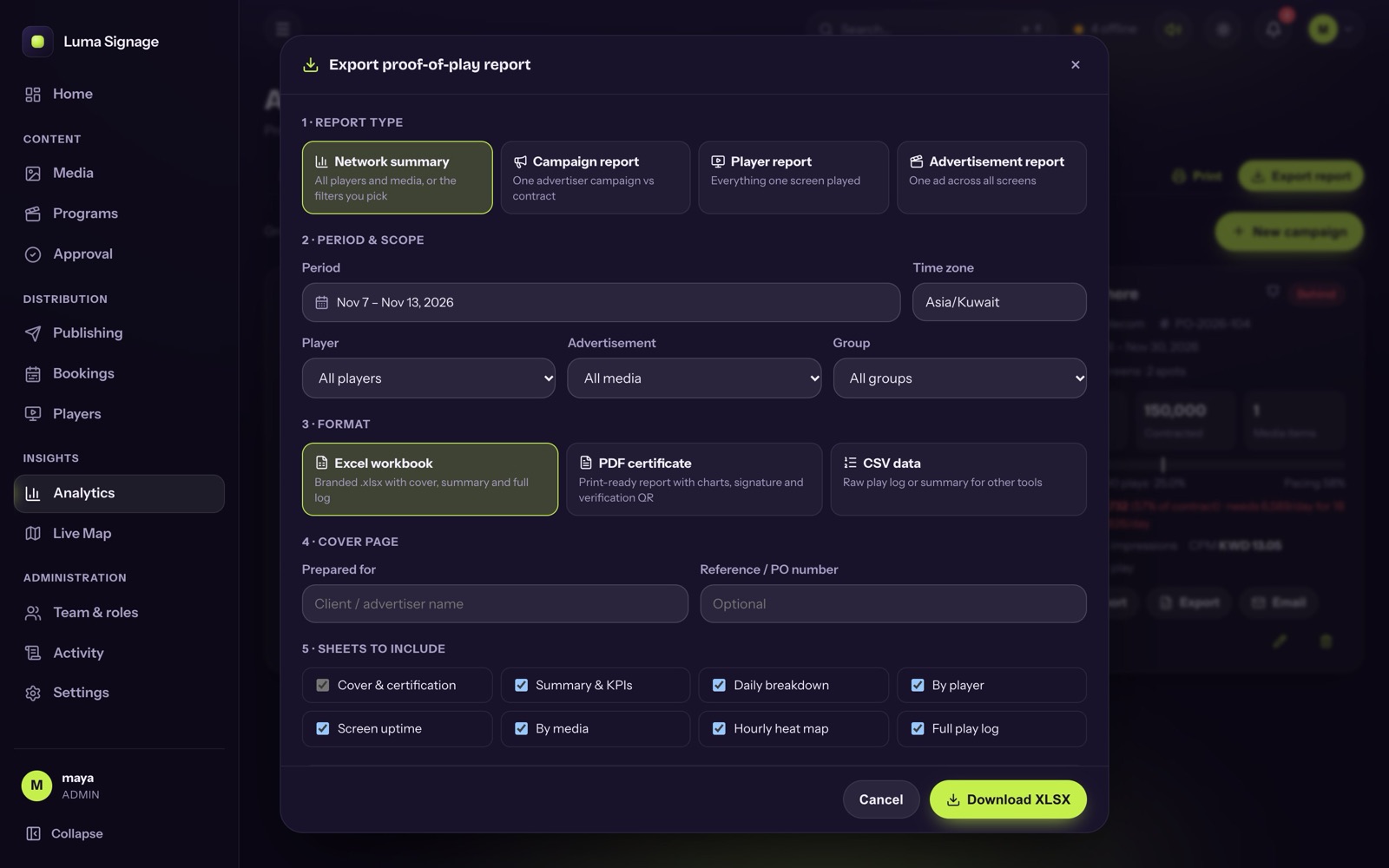
Export proof-of-play: report type, period, format and sheets. The certificate
The PDF opens with your company, the campaign and the client’s logo, the headline figures and delivery against the contract. Inside are daily, hourly, per-screen and per-ad breakdowns, screen uptime and an appendix. It’s available in English and Arabic.
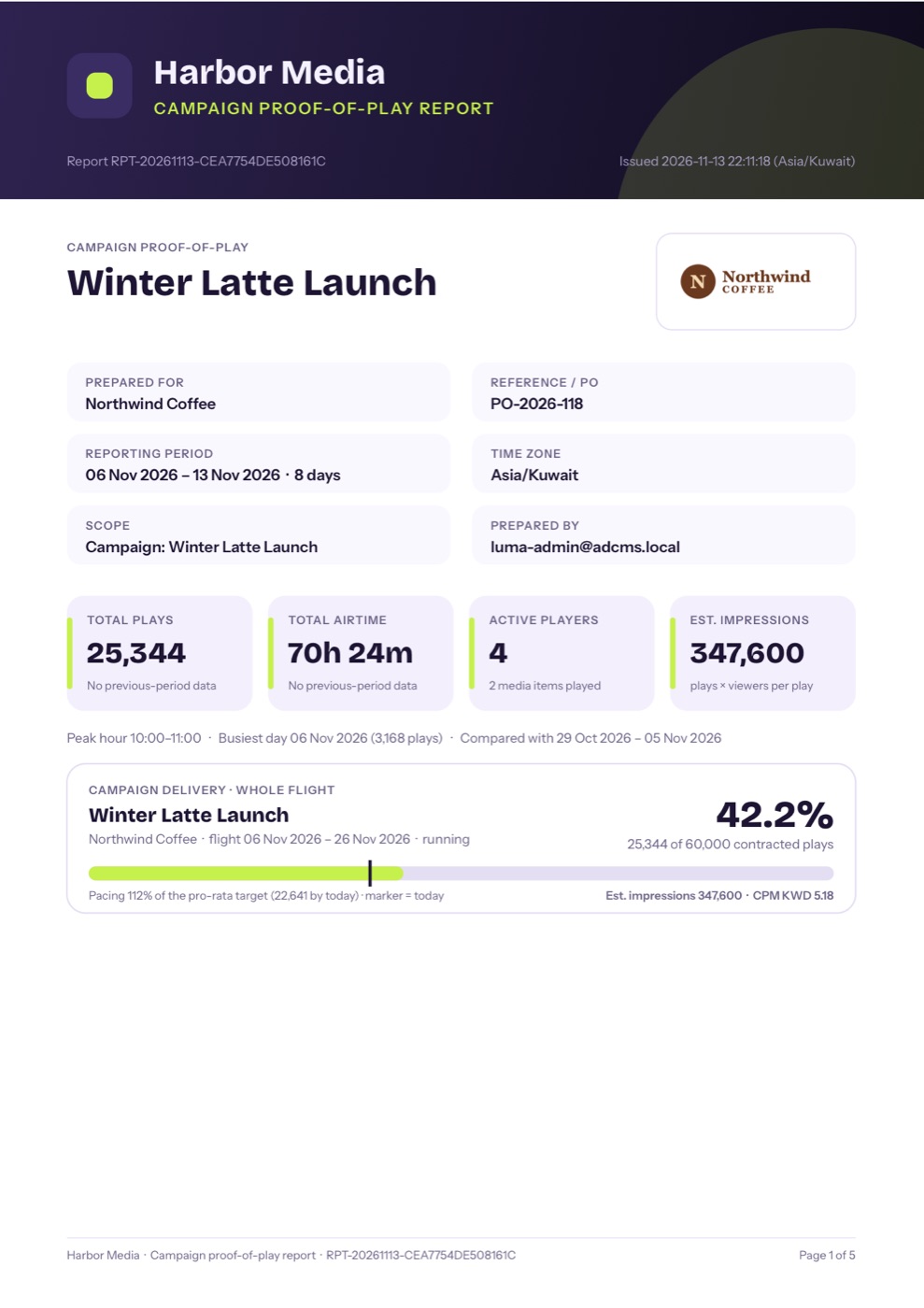
Cover page of a campaign proof-of-play certificate. Verification
The last page has room for a signature and stamp, and a QR code with a SHA-256 fingerprint of the figures. Anyone who scans it sees whether the report was issued by the platform and is unchanged.
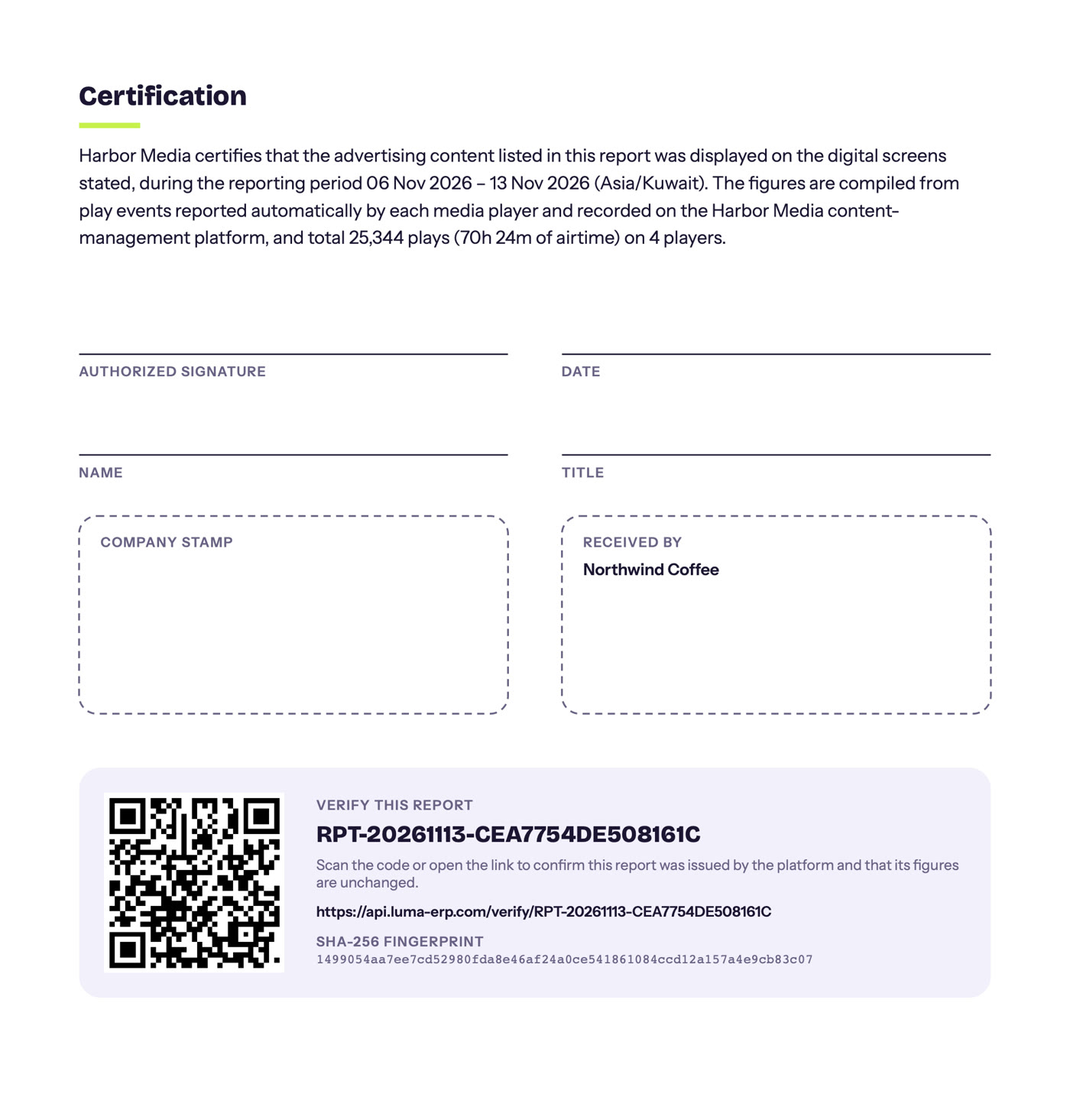
Certification page with the verification QR code. Share a live client link
Click Share on a campaign to create a private link. Your client sees plays, airtime, impressions, screen uptime and a daily chart, updating every few minutes — no login. Choose whether it shows screen names and the contract, and turn it off any time.
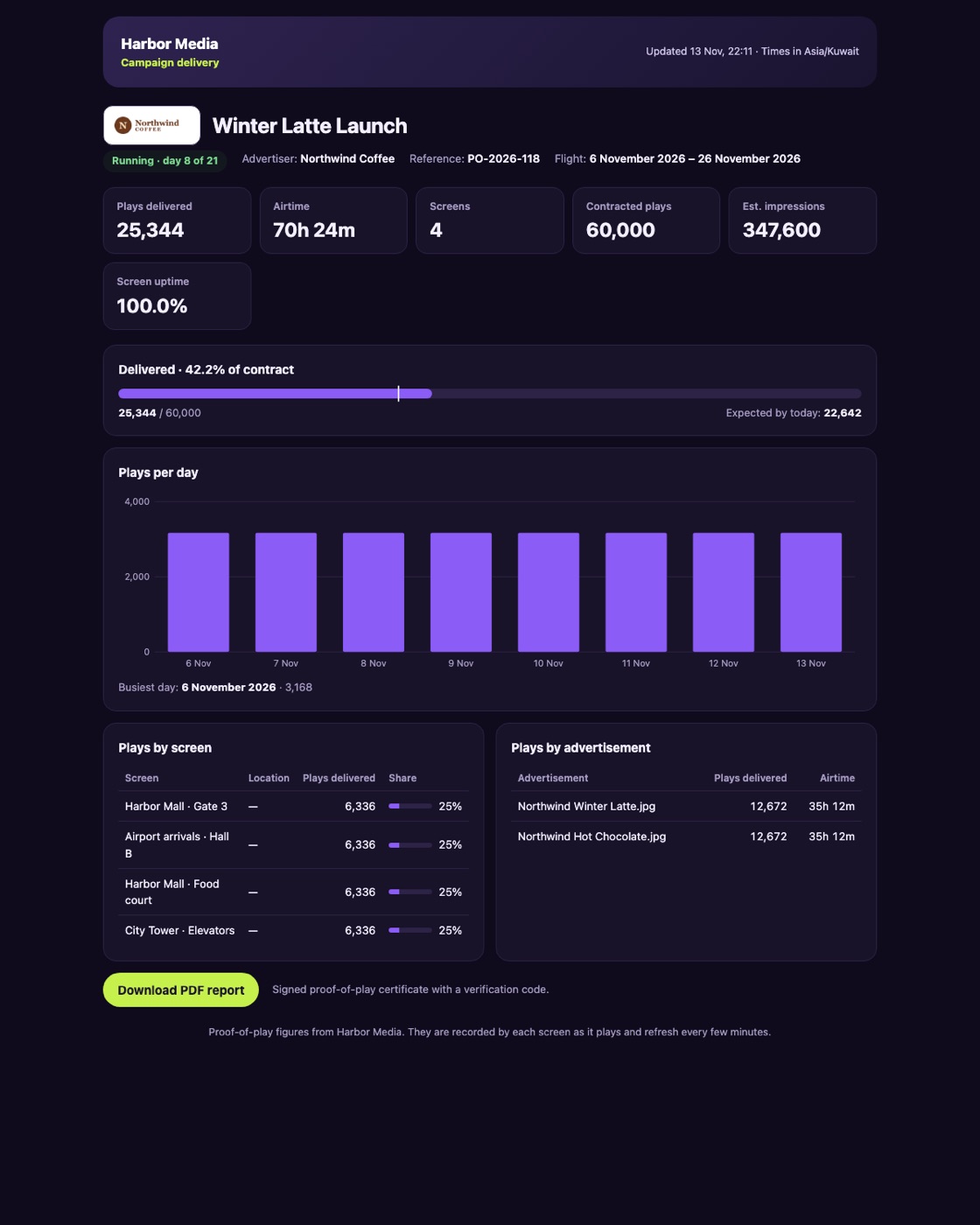
What the advertiser sees when they open their link. Schedule report emails
Click Email on a campaign to send the report automatically: weekly, monthly or when the campaign ends, as PDF or Excel, in English or Arabic, to the advertiser’s contacts.
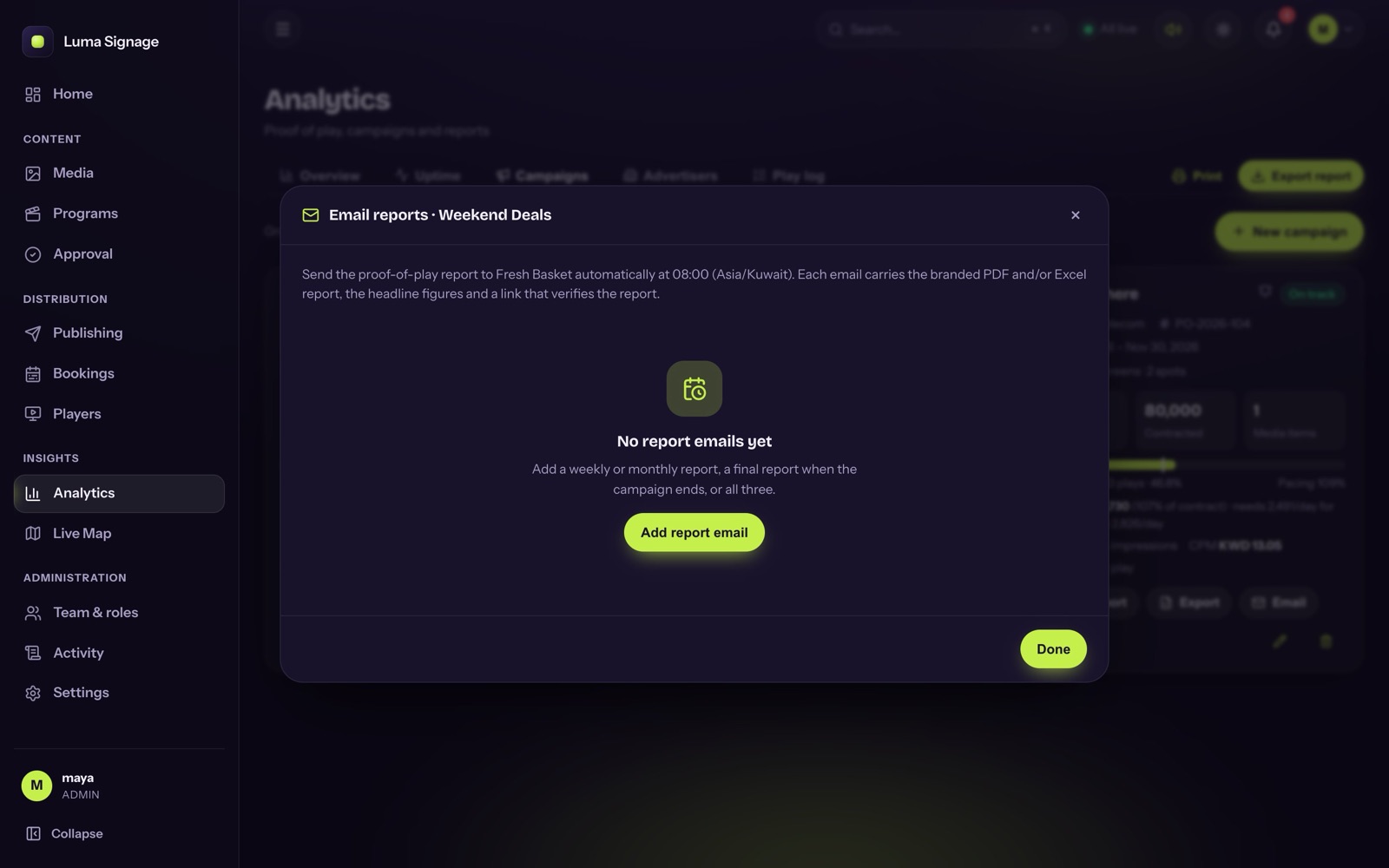
Report emails: schedule, format, language and recipients.