Run an advertising campaign
Add an advertiser, create a campaign with flight dates, book airtime and let the screens fill themselves.
Add the advertiser
Open Analytics → Advertisers and add your client with their contact emails and logo. The logo appears on their PDF reports and client links; the emails pre-fill report emails.
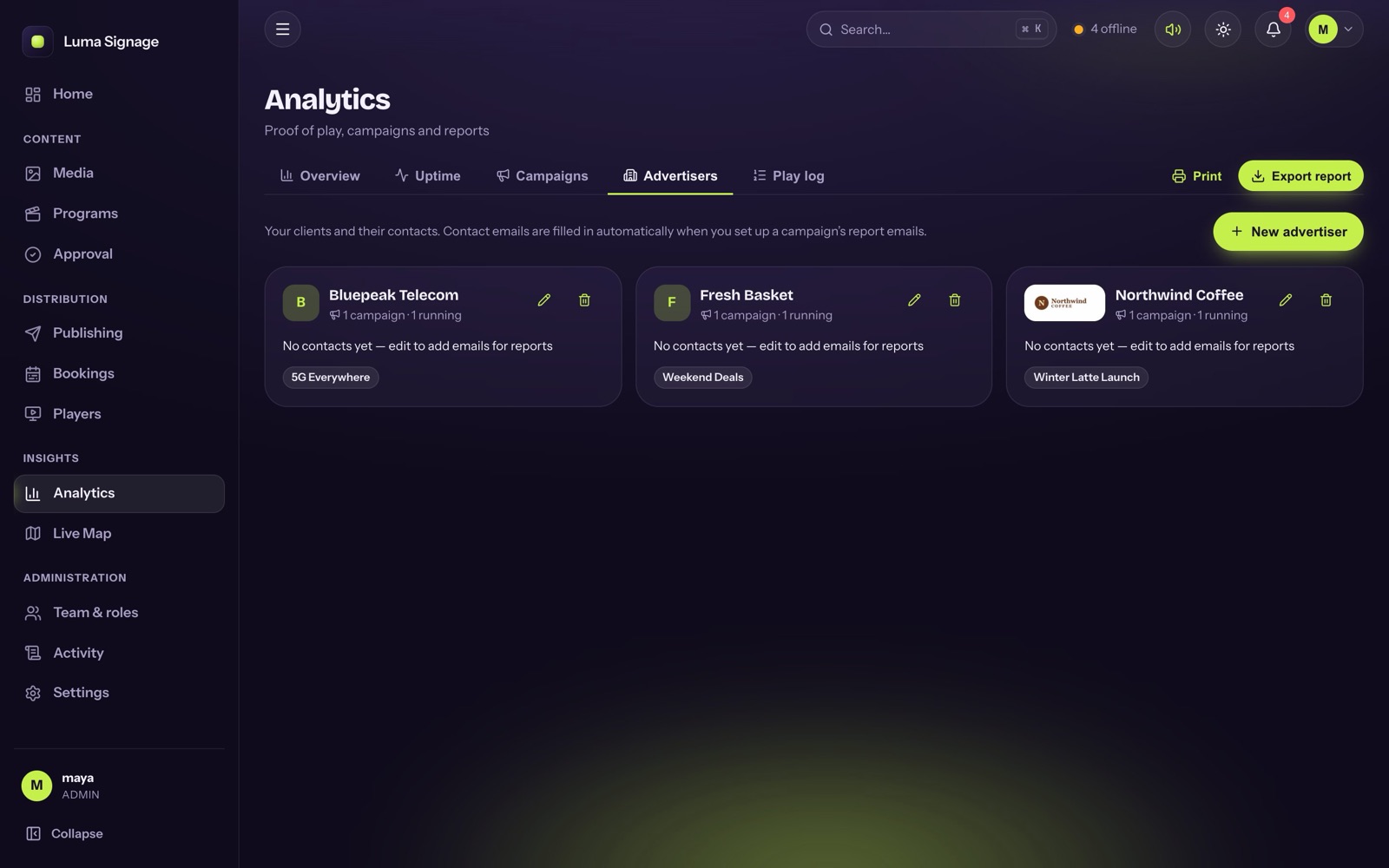
Advertisers: contacts and logo, kept once for every campaign. Create the campaign
Analytics → Campaigns → New campaign. Pick the advertiser, enter the flight dates, the contracted plays and the contract value, and choose the campaign’s media.
Tip · Tick “Play only between these dates” and the ads start and stop on their own — no free airtime after the contract ends.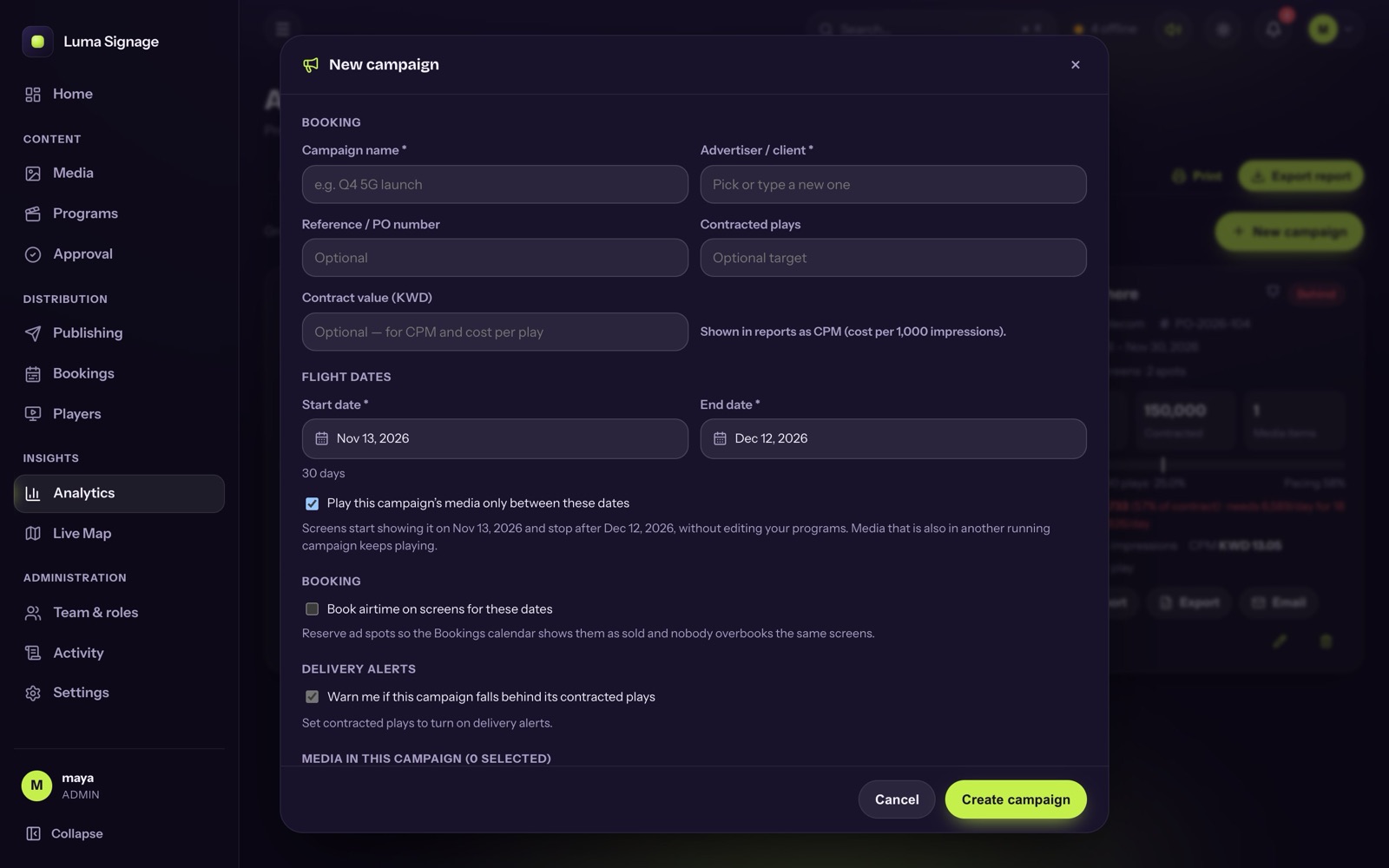
New campaign: dates, contracted plays, contract value and media. Book airtime on screens
In the same form, tick “Book airtime”, choose screens and how many spots per loop. The Bookings calendar shows what’s sold, held and free on every screen and day, and warns before you overbook.
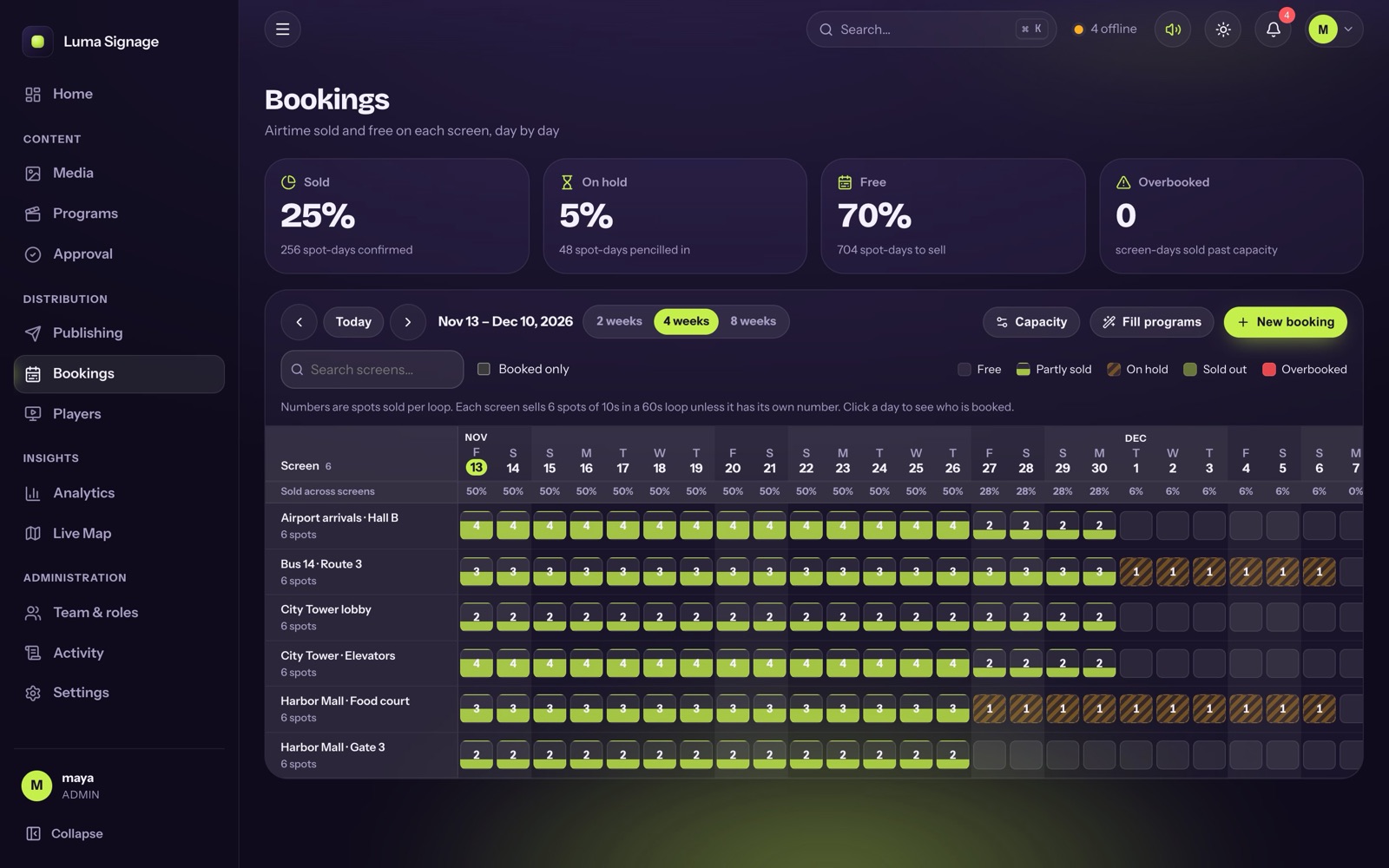
Bookings: spots sold and free per screen, per day. Fill the programs from bookings
Bookings → Fill programs previews each screen’s loop: every confirmed campaign gets its booked spots, spread through the loop, and unsold spots play your house content. Publish, and turn on Keep filled so screens update themselves when campaigns start or end.
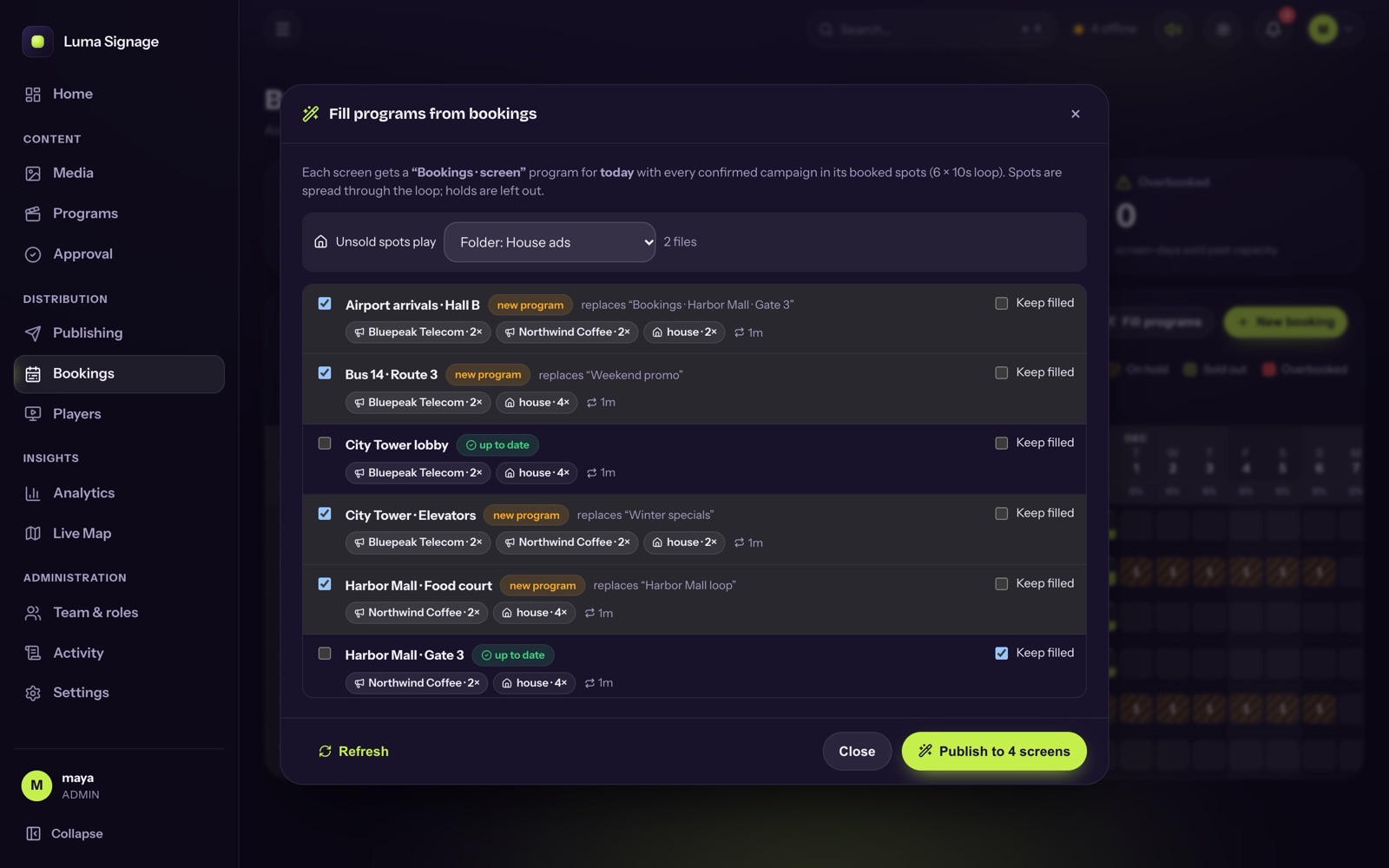
Fill programs: one click turns bookings into each screen’s loop. Watch delivery
Each campaign card shows plays delivered against the contract, pacing, a forecast to the end of the flight, impressions and CPM. If a campaign falls behind, you get an alert while there’s still time to fix it.
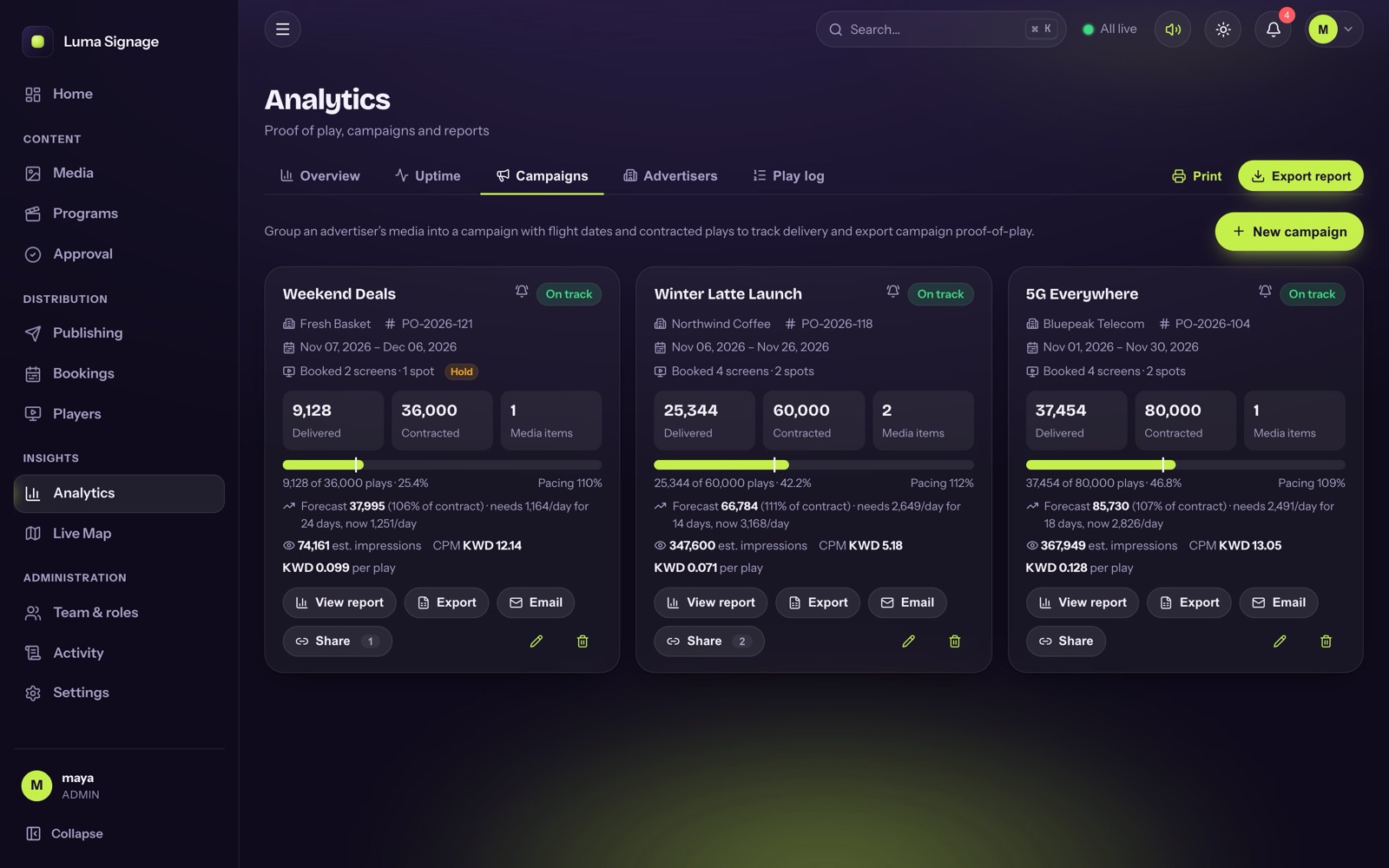
Campaigns: delivery, pacing, forecast, impressions and CPM.